
Best IPTV Players 2026 – Top 5 IPTV Apps for Firestick, Android & Smart TV
IPTV Expert Team
Author
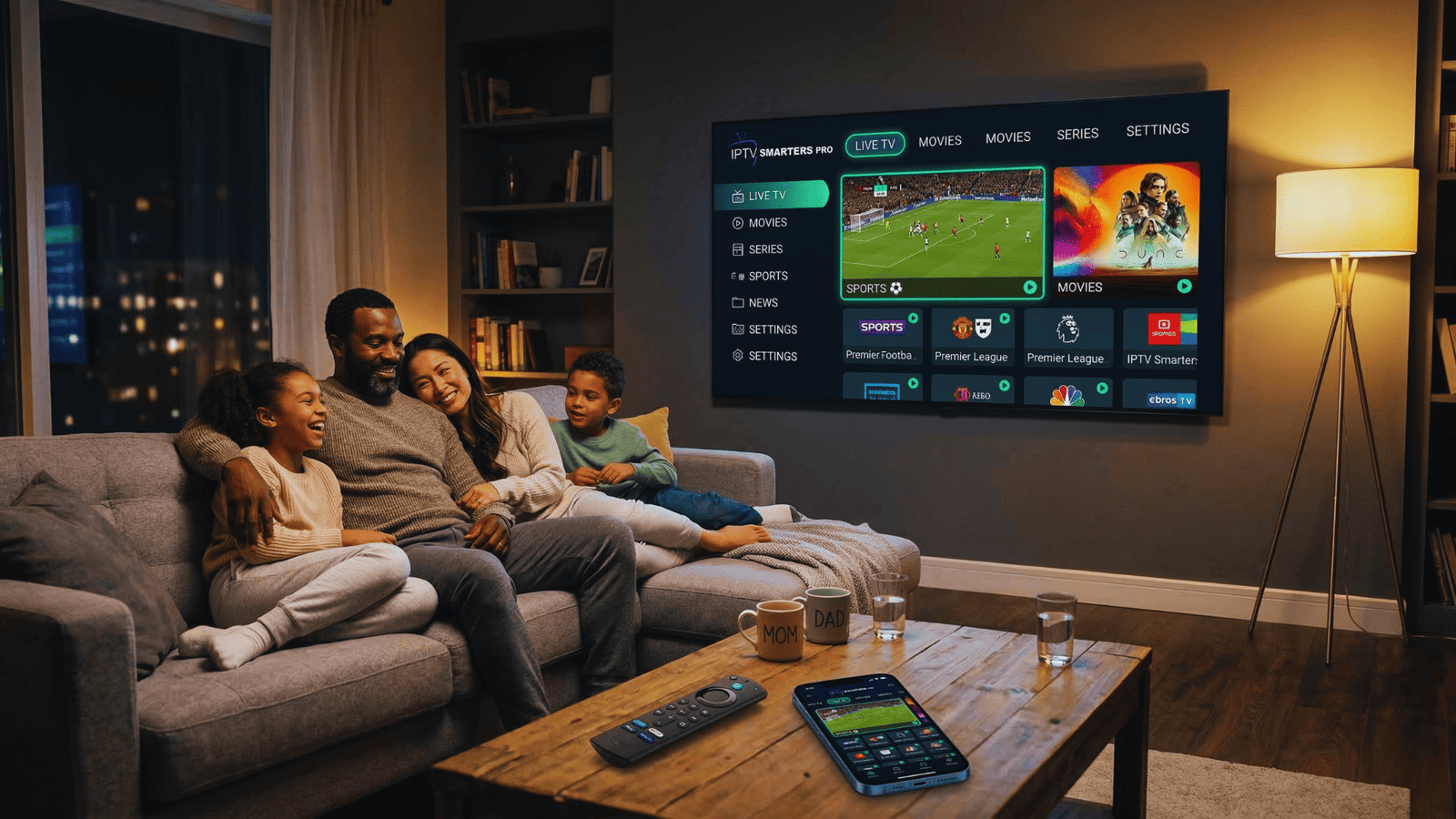
You've finally found the perfect IPTV provider with thousands of channels and movies. But now comes the next question: which IPTV player should you use? The answer is more important than you might think.
Even the best IPTV service is useless without the right app. The IPTV smart player you choose determines everything: how easily you can navigate, whether you have a TV guide, if you can record, and how quickly you find your favorite channels. In 2026, there are dozens of options, but which ones are really worth your time?
In this complete guide, we compare the best IPTV players of 2026. From simple free apps to professional players with all the features. We cover installation on Firestick, Android, Smart TV and iOS, plus a handy comparison table. Whether you're a beginner or an advanced user, you'll find the perfect IPTV app for your situation here.
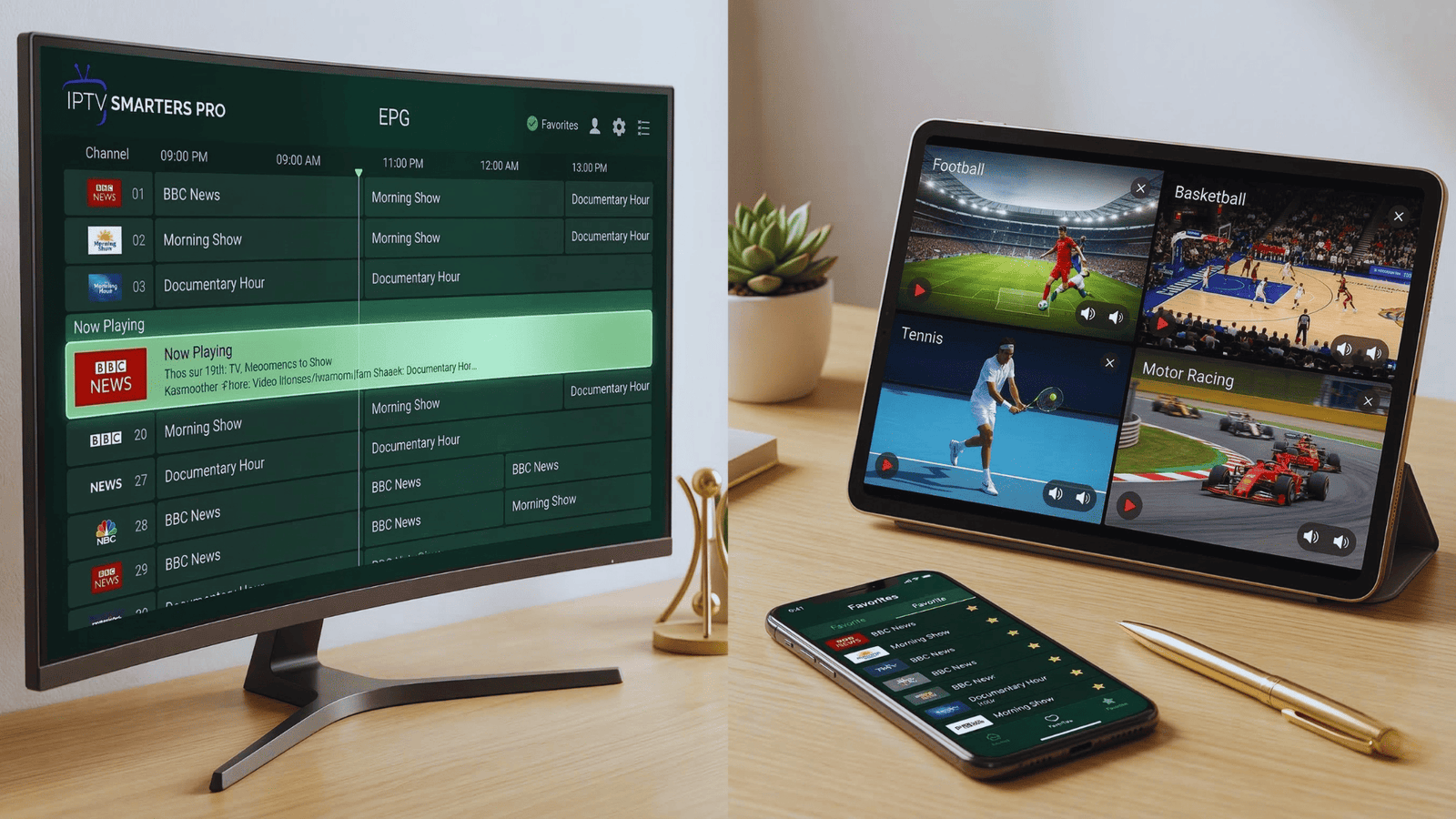
IPTV players are media players only and do not contain any channels or content themselves. You always need a separate IPTV subscription. The apps themselves are legal and safe when downloaded from official sources.
Table of Contents
Why the Right IPTV Player Matters
Imagine this: you have a great IPTV subscription with 50,000 channels, but the app is slow, keeps crashing, or has no decent TV guide. Your viewing pleasure disappears instantly. The IPTV smart player you choose is at least as important as your subscription.
A good IPTV player offers:
- Fast and stable streaming – no buffering, even during peak hours
- User-friendly interface – easy navigation through channels and categories
- EPG (Electronic Program Guide) – see what's on now and next
- Favorites and recording options – save your favorite channels and record programs
- Support for multiple formats – M3U, Xtream Codes API, local files
Fortunately, in 2026 there are plenty of excellent IPTV apps available. We've tested them for functionality, ease of use, stability, and price. These are our recommendations.
Top 5 Best IPTV Players of 2026
After extensive testing of more than 15 different IPTV smart players, we've selected the top 5. These are the best apps for every type of user.
IPTV Smarters Pro
BEST OVERALL IPTV PLAYER
IPTV Smarters Pro is without a doubt the most popular IPTV player in the world, and for good reason. This app offers the perfect balance between functionality and ease of use. It supports both M3U playlists and Xtream Codes API, has excellent EPG, and works on virtually any device.
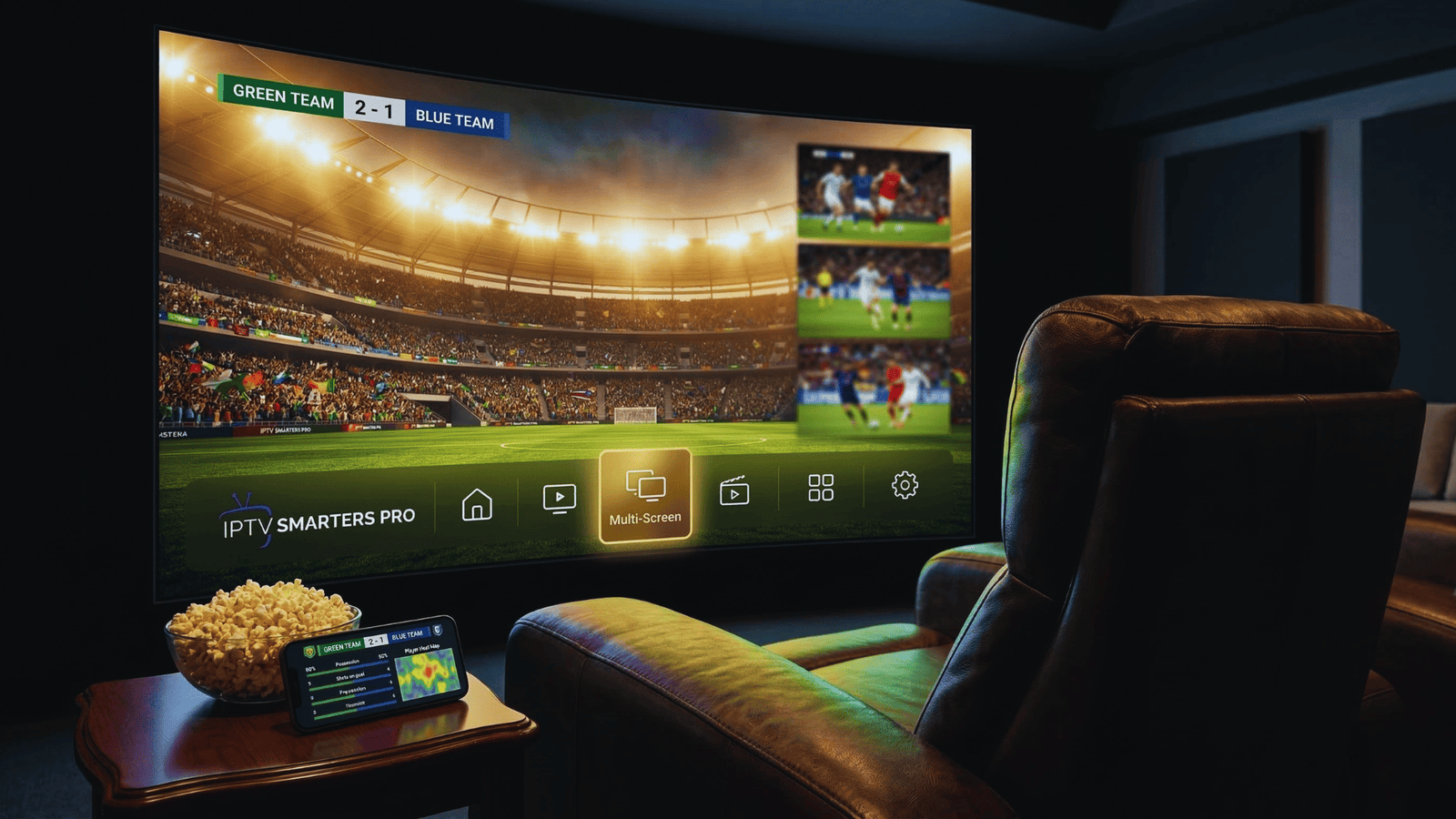
Pros: User-friendly, supports multiple playlists, excellent EPG, multi-screen, recording feature, parental controls
Cons: iOS version is paid (one-time €3.99), not in Amazon App Store (sideloading required)
Available on: Android, iOS, Firestick (sideload), Windows, Mac, Smart TV
Price: Free (Android/Windows) / €3.99 one-time (iOS)
TiviMate IPTV Player
BEST FOR FIRESTICK & ANDROID TV
TiviMate is the favorite among advanced users, especially on Firestick and Android TV. While other apps focus on simplicity, TiviMate offers a premium TV experience reminiscent of traditional cable television. The interface is beautiful, with a clear channel guide, group layout, and favorites. The premium version offers extras like recording and multiple playlists.
Pros: Beautiful interface, excellent EPG, supports multiple playlists, recording feature (premium), highly customizable
Cons: Android only (no iOS), premium version paid, no built-in player for VOD
Available on: Android TV, Firestick, Android tablets
Price: Free basic version / €7.99 per year or €24.99 one-time for premium
GSE Smart IPTV
BEST FOR iOS & APPLE USERS
GSE Smart IPTV is the best choice for Apple users. While many IPTV apps neglect iOS, GSE runs excellently on iPhone, iPad and Apple TV. The app is packed with features: support for all formats, extensive EPG options, subtitles, and even Chromecast support. The interface is busier than other apps, but the functionality is unmatched.
Pros: Excellent on iOS, supports all formats, Chromecast, subtitles, many customization options
Cons: Interface can be overwhelming for beginners, less suitable for Firestick
Available on: iOS, iPadOS, tvOS, Android
Price: Free with limitations / €4.99 for full version
Perfect Player IPTV
Perfect Player is a classic among IPTV players. It's lightweight, fast and works excellently on less powerful devices. The interface is simple but functional, with a clear channel guide and group layout. Perfect Player is ideal for those who want a simple, reliable player without bells and whistles. It's been a favorite on Android and Windows for years.
Pros: Very lightweight, fast, simple to use, works on old devices, reliable
Cons: Outdated interface, fewer features than competitors, no longer receiving updates
Available on: Android, Windows
Price: Free / €5.00 for premium (one-time)
OTT Navigator IPTV
OTT Navigator is the underdog that's quickly gaining popularity. It combines the simplicity of Perfect Player with modern features like archive, search function, and extensive EPG. What makes this app special is the ability to search channels by language and country, ideal for those watching international channels. The developers release regular updates, which many other apps lack.
Pros: Regular updates, search by language/country, archive function, good EPG, customizable
Cons: Android only, paid (but cheap), interface somewhat busy
Available on: Android TV, Firestick, Android tablets
Price: €3.49 one-time (very affordable)
Comparison Table: IPTV Players 2026
| IPTV Player | Platform | EPG | Recording | Multi-screen | Price | Score |
|---|---|---|---|---|---|---|
| IPTV Smarters Pro | All | Free / €3.99 | 4.9 ★ | |||
| TiviMate | Android | Free / €7.99/yr | 4.8 ★ | |||
| GSE Smart IPTV | iOS/Android | Free / €4.99 | 4.6 ★ | |||
| Perfect Player | Android/Windows | Free / €5.00 | 4.4 ★ | |||
| OTT Navigator | Android | €3.49 | 4.3 ★ |
Free vs Premium: Which is Better?
A frequently asked question: do you need a paid IPTV app or can you get by with a free version? The answer depends on your needs.
Free IPTV Players
- Basic functionality: watch channels, channel surf
- Often with ads or limitations
- Suitable for occasional use
- Perfect to test first
Examples: IPTV Smarters (free version), Perfect Player (free), TiviMate (free basic)
Premium IPTV Players
- Extensive EPG with program info
- Recording feature for live TV
- Multiple playlists at once
- No ads, extra features
- Better support and updates
Price: usually €3 - €10 one-time or €5 - €15 per year
Our advice: start with a free version to see if you like the app. If you use IPTV daily and want the best experience, a premium upgrade is well worth the money. For a few euros you often get a lifetime license.
Best IPTV Player by Device
Not every IPTV smart player works equally well on every device. Here's our recommendation per platform:
Amazon Firestick
Winner: TiviMate
TiviMate is specifically designed for Android TV and Firestick. The interface is perfect for remote controls. IPTV Smarters Pro is a good alternative (requires sideloading).
iPhone / iPad
Winner: GSE Smart IPTV
GSE is by far the best option for Apple users. IPTV Smarters is also available (as "Smarters Player Lite") but has fewer features.
Android TV / Shield
Winner: TiviMate / IPTV Smarters
TiviMate for the best TV experience, IPTV Smarters for those who also use VOD heavily. OTT Navigator is a strong emerging alternative.
Windows PC
Winner: IPTV Smarters / MyIPTV Player
IPTV Smarters Pro for Windows is user-friendly. MyIPTV Player is a lightweight, free option. VLC Media Player can also play M3U files (basic).
Smart TV (Samsung/LG)
Winner: Smart IPTV / SS IPTV
Smart TVs often have more limited options. Smart IPTV (SIPTV) and SS IPTV are the best-known players. IPTV Smarters is not always available on all brands.
macOS
Winner: GSE Smart IPTV / IINA
GSE is available for Mac via the App Store. IINA is a modern media player that supports M3U files.
How to Install an IPTV App (Step-by-Step)
Installation varies by device, but the general principle is the same. Here's a universal guide:
Choose and download the app
Go to your device's official app store:
- ✓Android: Google Play Store or download APK from official site
- ✓iOS: App Store (search for "Smarters Player Lite" or "GSE Smart IPTV")
- ✓Firestick: Use Downloader app to sideload APK
- ✓Smart TV: Search in Smart Hub / LG Content Store
- ✓Windows/Mac: Download from official website
Open the app and choose login method
On first launch, you'll usually have the choice:
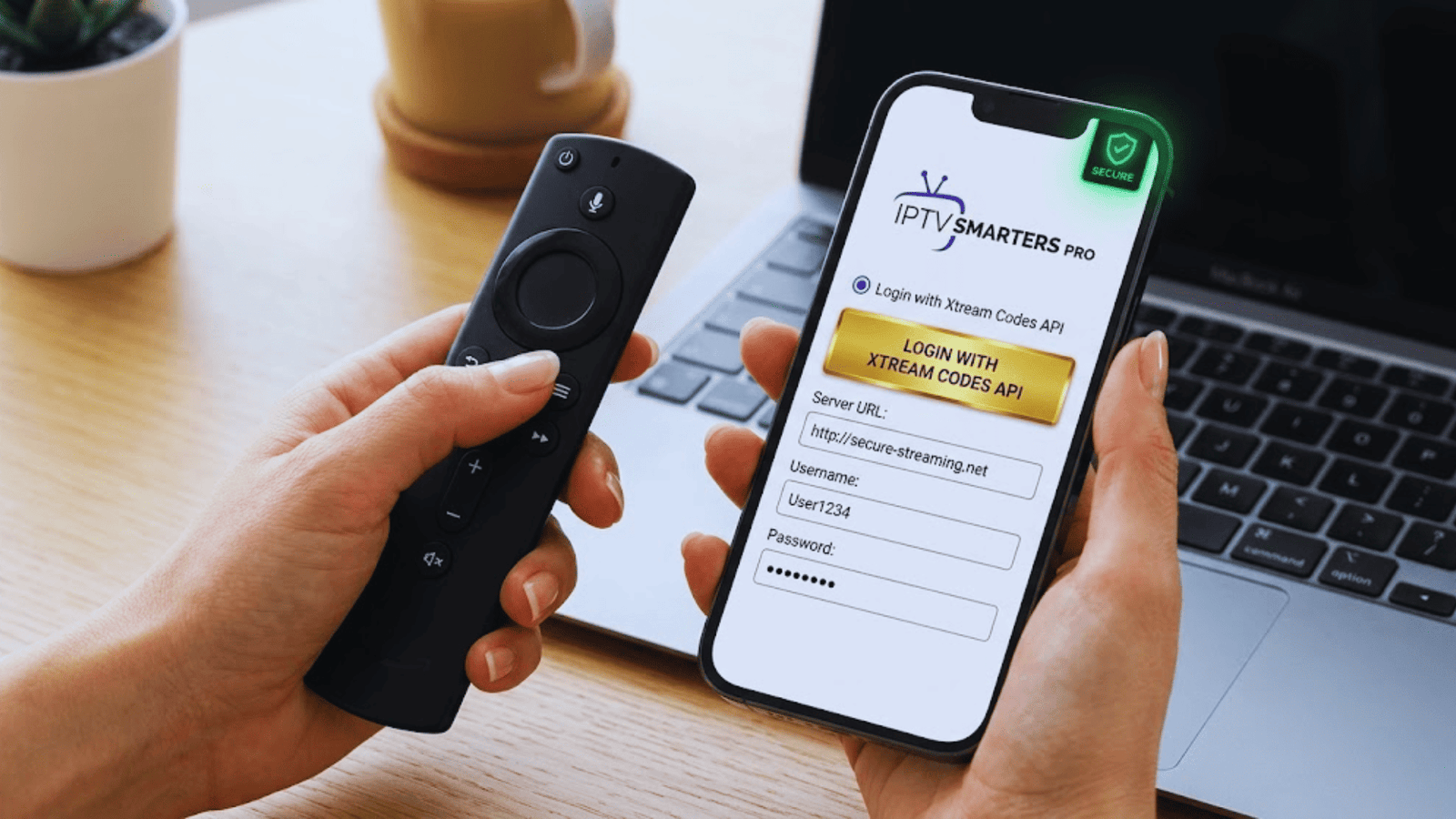
- ✓Xtream Codes API: Enter URL, username and password
- ✓M3U URL: Paste the M3U link from your provider
- ✓Local file: Upload an M3U file from your device
Enter your details
Have your IPTV provider login details ready. Enter them carefully (case-sensitive!). Click "Add" or "Login".
Wait for channels to load
The app connects to the server and loads all available channels and VOD. This usually takes 30-60 seconds.
Start watching!
You'll now see the interface with Live TV, Movies, Series. Select a channel and enjoy your IPTV!
Frequently Asked Questions About IPTV Players
What's the difference between an IPTV player and an IPTV provider?
An IPTV provider is the service you subscribe to. They provide the channels and content. An IPTV player (or app) is the software you use to view that content. You need both: a subscription AND a player.
Which IPTV player is best for Firestick?
TiviMate is widely considered the best IPTV player for Firestick and Android TV. The interface is specifically designed for use with a remote control. IPTV Smarters Pro is a good alternative, but requires sideloading as it's not in the Amazon App Store.
Are free IPTV players safe?
Yes, if you download them from official sources like Google Play Store, App Store, or the developer's official website. Never download IPTV apps from unknown websites or through ads – they may contain malware. The apps in our list are all safe and reliable.
Can I use multiple IPTV players?
Absolutely! You can install multiple apps and use them all with the same IPTV subscription. Many users have TiviMate on their Firestick for the living room and GSE on their iPhone for on-the-go viewing.
What is Xtream Codes API?
Xtream Codes is a management system that many IPTV providers use. If your provider supports it, you can log in with just your username, password, and server URL – much easier than entering long M3U links. Most modern IPTV players support this method.
Why does my IPTV app keep buffering?
Buffering can have several causes: your internet connection is too slow (minimum 15 Mbps recommended), your provider's server is overloaded, or the buffer settings in the app are set too low. Try increasing the buffer size in the app settings or switch to a wired connection instead of WiFi.
You Have a Good Player, Now You Need a Subscription
A good IPTV smart player is essential, but without a quality subscription you won't get anywhere. Check out our offers with 50,000+ channels and 150,000+ movies in crystal clear 4K quality.
7-day money-back guarantee • Instant activation • 24/7 support
Official links and sources: