
How to Setup Your IPTV Subscription
Follow these simple steps to start watching in 5 minutes
Before You Start
- Your login details (sent via email after purchase)
- Stable internet connection (minimum 15 Mbps for 4K)
- Compatible device (Smart TV, Firestick, Android box, etc.)
- Username and password from your IPTV subscription
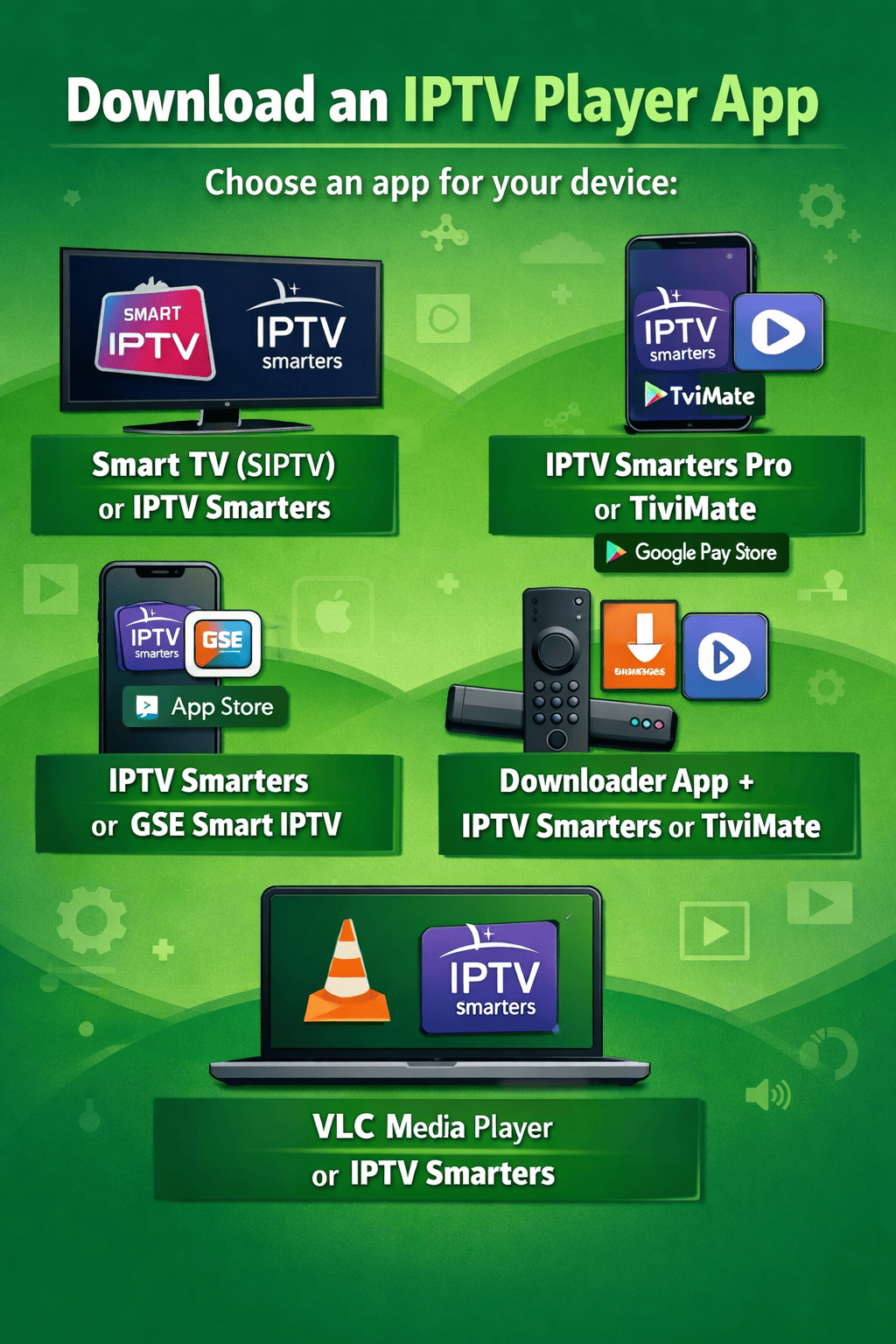
Download an IPTV Player App
You need an app to watch your IPTV stream. Choose one for your device:
Aanbevolen apps per apparaat:
- Smart TV: Smart IPTV (SIPTV) or IPTV Smarters for Samsung/LG
- Android: IPTV Smarters Pro or TiviMate from Google Play Store
- iOS: IPTV Smarters or GSE Smart IPTV from App Store
- Firestick: Downloader app + IPTV Smarters or TiviMate
- PC: VLC Media Player or IPTV Smarters for Windows
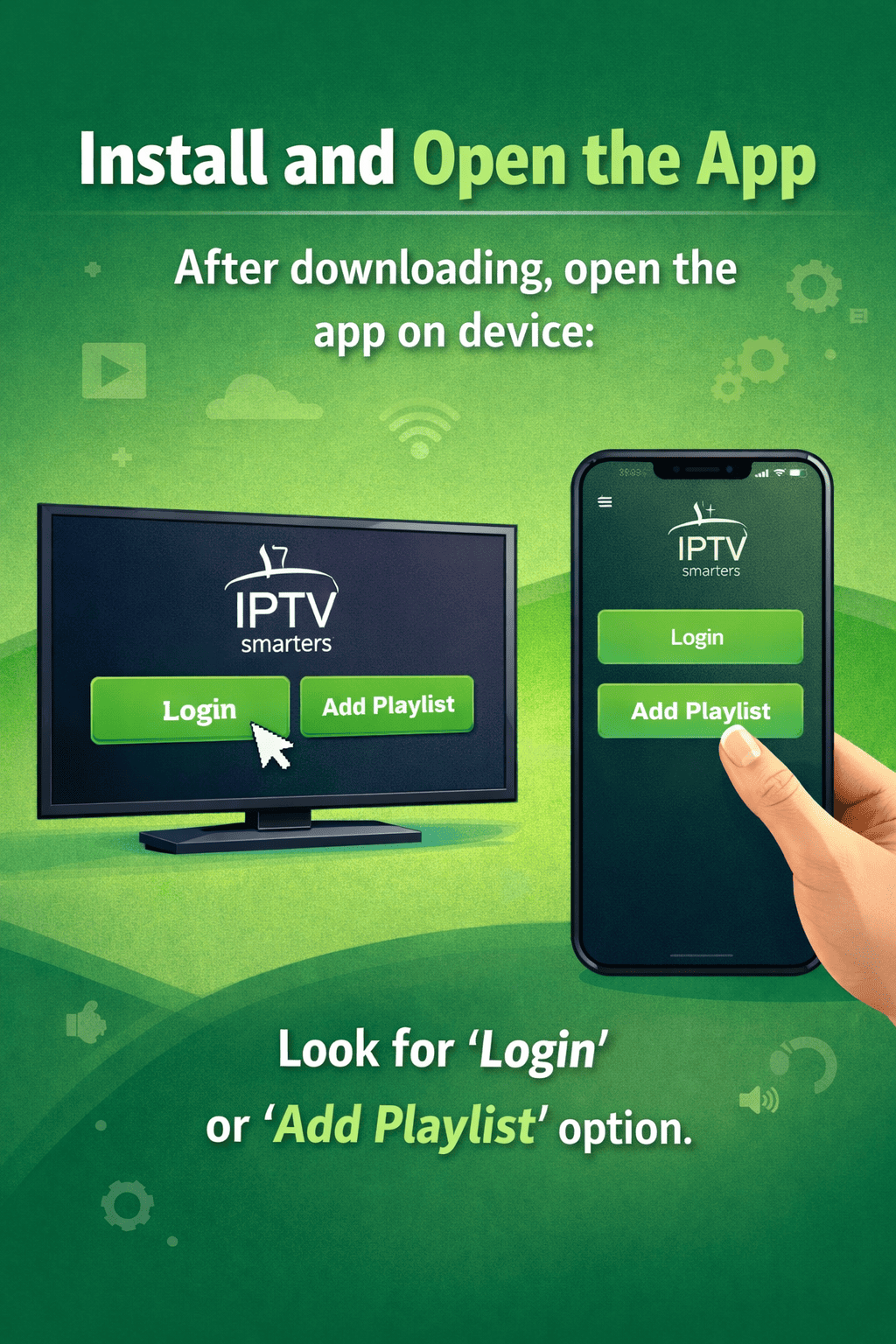
Install and Open the App
After downloading, open the app on your device. Look for 'Login' or 'Add Playlist' option.
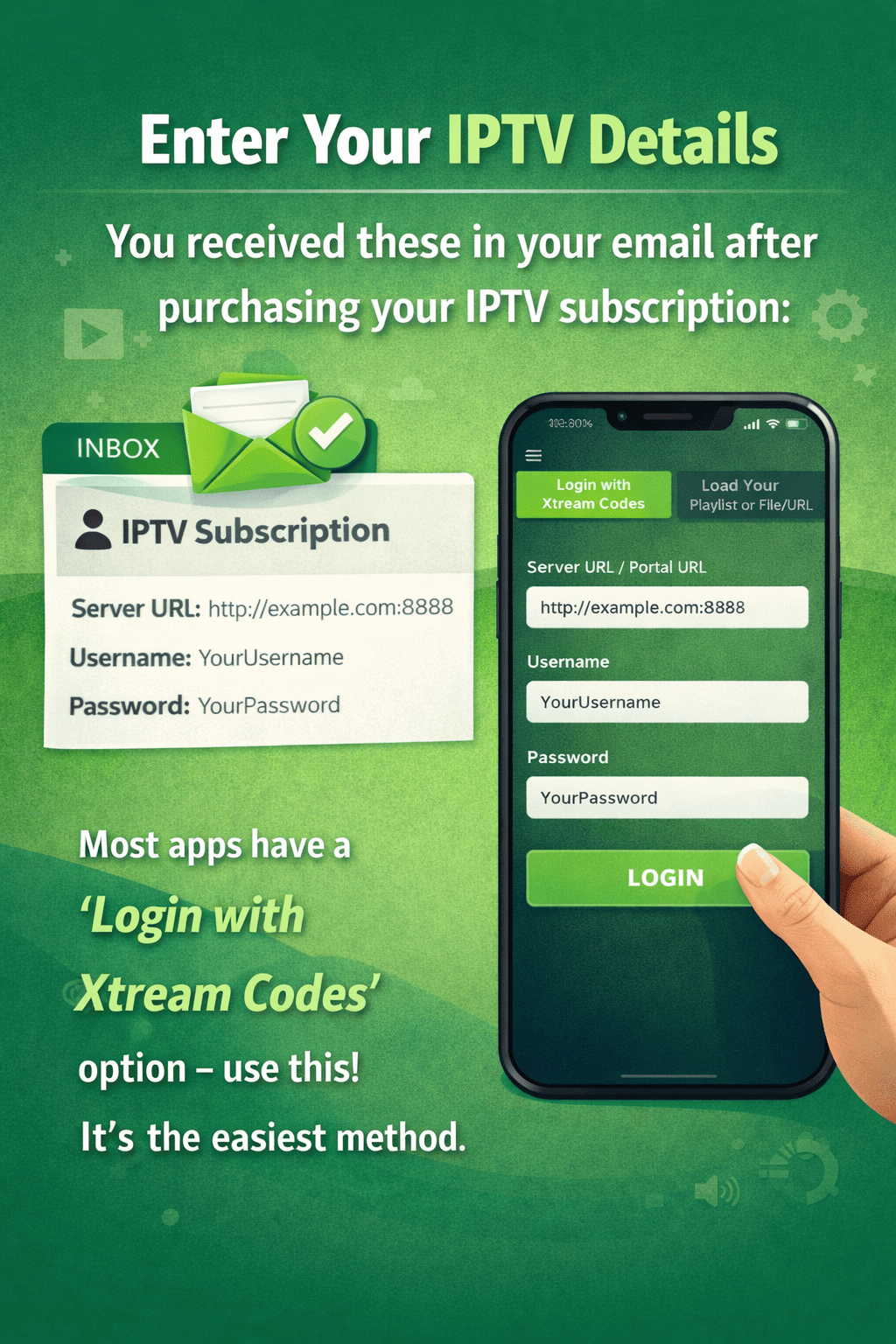
Enter Your IPTV Details
You received these in your email after purchasing your IPTV subscription:
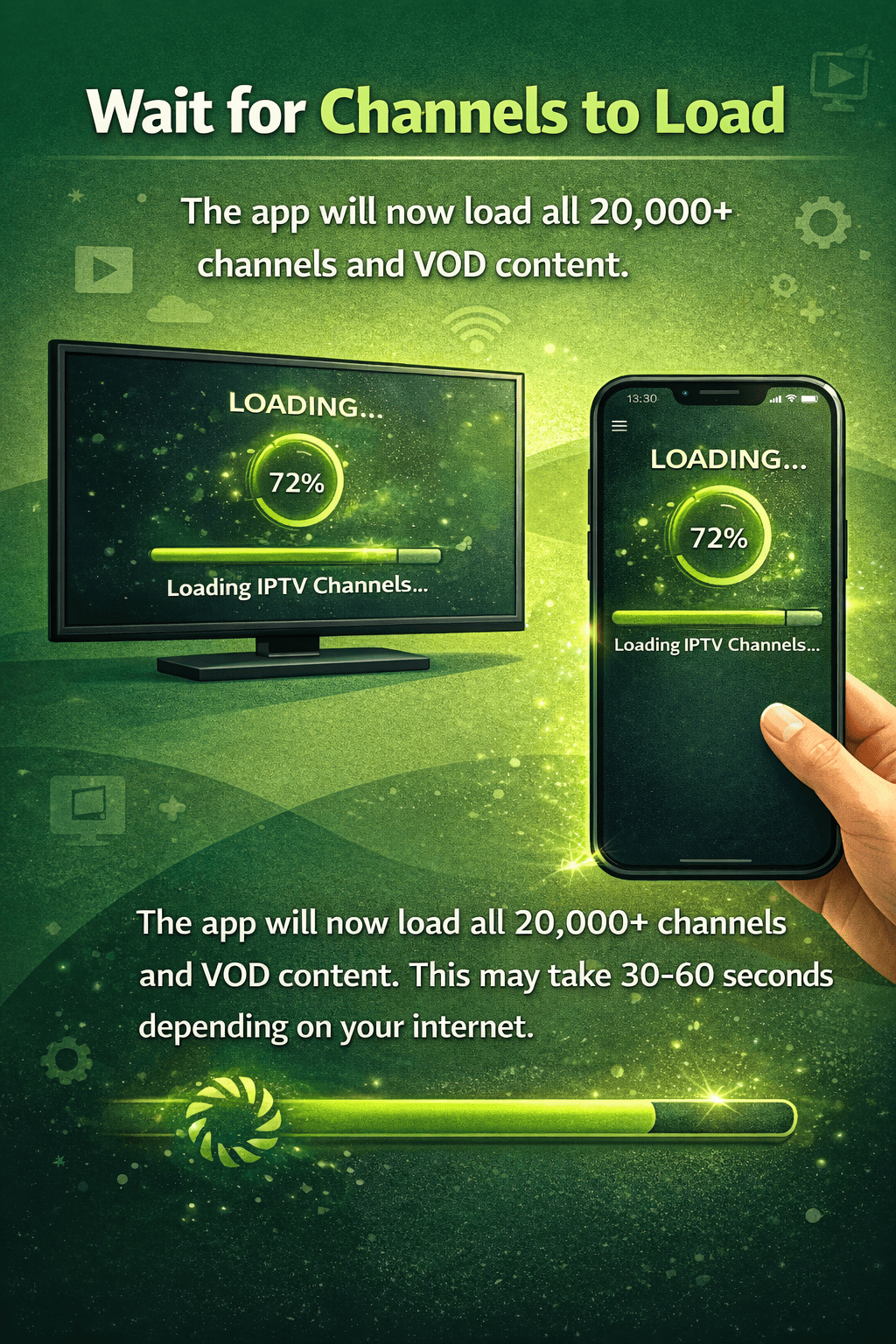
Wait for Channels to Load
The app will now load all 20,000+ channels and VOD content. This may take 30-60 seconds depending on your internet.
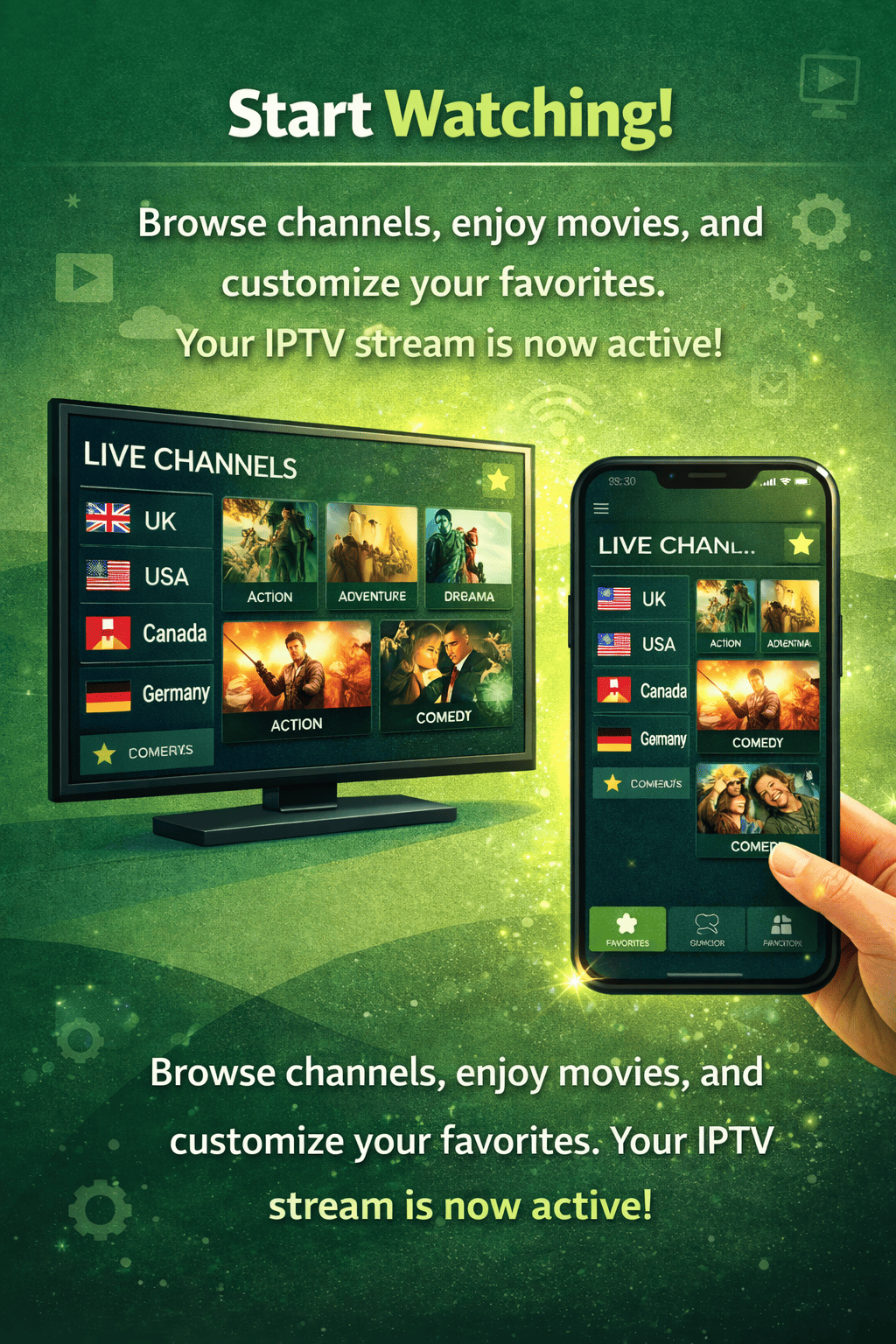
Start Watching!
Browse channels, enjoy movies, and customize your favorites. Your IPTV stream is now active!
setupGuide.deviceTitle
Smart TV
Samsung, LG, Sony & Android TV
setupGuide.recommendedAppsSmart IPTV (SIPTV) or IPTV Smarters for Samsung/LG
Mobile & Tablet
iOS, Android & iPadOS
setupGuide.recommendedAppsIPTV Smarters Pro or TiviMate from Google Play Store / IPTV Smarters or GSE Smart IPTV from App Store
Streaming Box
Formuler, Nvidia Shield & Firestick
setupGuide.recommendedAppsDownloader app + IPTV Smarters or TiviMate
PC & Laptop
Windows, macOS & Web Player
setupGuide.recommendedAppsVLC Media Player or IPTV Smarters for Windows
Troubleshooting Tips
Channels not loading / buffering
Check your internet speed. Try restarting your router or using a VPN.
App says 'Invalid Login'
Double-check your username and password. They are case-sensitive. Contact support if issue persists.
No channels showing
Make sure you selected the correct portal URL. Try switching between 'Xtream Codes' and 'M3U URL' in app settings.
Freezing during sports events
Switch to a different server if available. Our Anti-Freeze technology activates automatically.
Need Help? Our support team is available 24/7 on WhatsApp
Contact Support →