
IPTV Smarters Pro: The Complete Guide to the Best IPTV Player in 2026
IPTV Team
Author
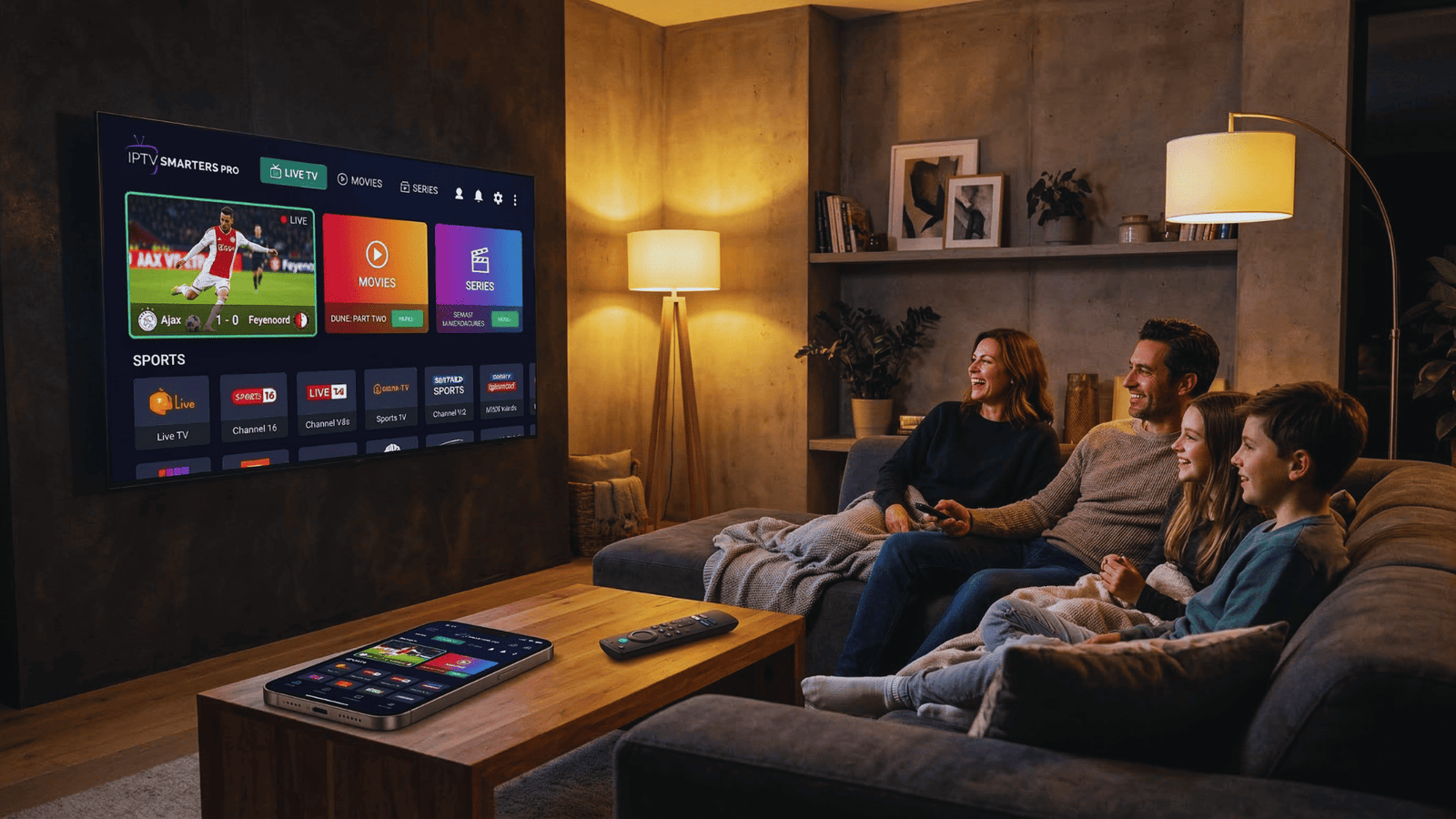
You've just subscribed to an amazing IPTV service with thousands of channels. There's only one problem: you need a way to actually watch them. That's where IPTV Smarters Pro comes in.
In 2026, IPTV Smarters Pro has established itself as the go-to media player for IPTV enthusiasts worldwide. With over 18,000 active users and counting, this powerful application transforms your device into a comprehensive entertainment hub. But what makes it so special, and how do you use it?
This complete guide covers everything: what IPTV Smarters Pro is, how to install it on every major device, step-by-step setup instructions, pro tips, troubleshooting, and honest answers to common questions. Whether you're a complete beginner or a seasoned IPTV user, you'll find everything you need right here.
IPTV Smarters Pro is a media player only and does not provide any content. You must have your own legal IPTV subscription to use this app. The app itself is completely legal and safe when downloaded from official sources.
Table of Contents
What is IPTV Smarters Pro?
IPTV Smarters Pro is a professional-grade media player application designed specifically for streaming IPTV content. Think of it as the bridge between your IPTV subscription and your screen. Your IPTV provider gives you access to channels and content, but you need a player to actually watch them – that's where IPTV Smarters Pro excels.
Unlike generic video players, IPTV Smarters Pro is optimized specifically for IPTV services. It supports all the major formats and protocols used by IPTV providers, including M3U and M3U8 playlists, Xtream Codes API integration, and local file playback.
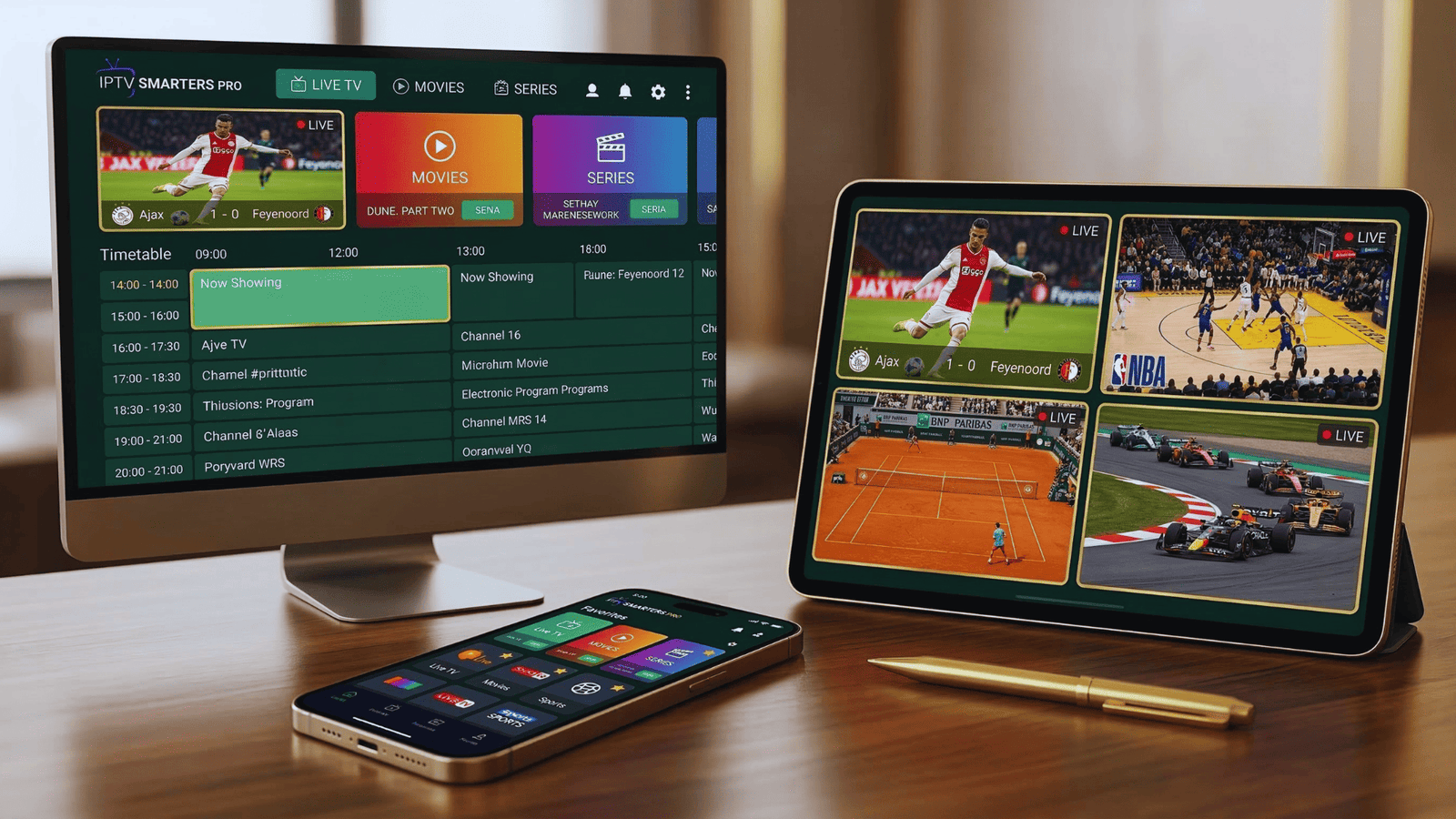
The app organizes your content into logical categories: Live TV, Movies, Series, and Catch-up TV. It also integrates Electronic Program Guides (EPG) so you can see what's on now and next, just like traditional TV.
In a nutshell:
IPTV Smarters Pro is the app that turns your IPTV subscription into a beautiful, organized, and easy-to-use TV experience on any device.
Key Features of IPTV Smarters Pro
What makes IPTV Smarters Pro the preferred choice for millions of users? Here are the standout features that set it apart from other IPTV players:
Multiple Playlist Support
Add and manage several IPTV subscriptions in one app. Perfect for having a backup service or sharing with family.
Electronic Program Guide (EPG)
See what's on now and next with full TV guide integration. Works automatically with Xtream Codes API.
Multi-Screen Support
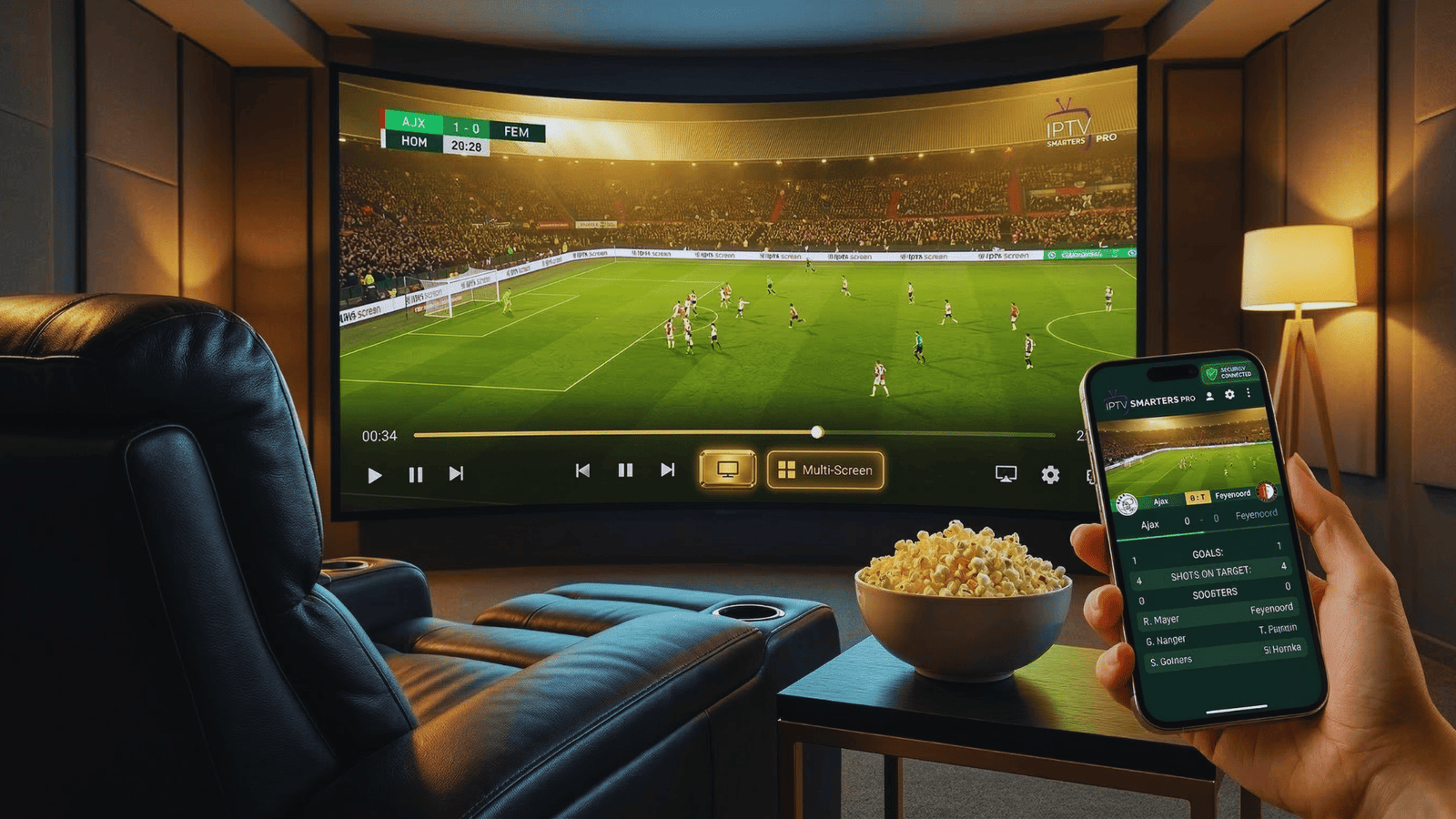
Watch up to 4 channels simultaneously on compatible devices. Perfect for sports fans who want to follow multiple games.
Favorites System
Create custom lists of your most-watched channels and content for instant access.
Recording Capability
Record live TV to watch later. Save your favorite shows and never miss an episode.
Parental Controls
Protect children from inappropriate content with PIN-protected access to certain channels or categories.
Compatible Devices
One of the biggest advantages of IPTV Smarters Pro is its wide device compatibility. You can use the same subscription on virtually any screen in your life:
Amazon Firestick
Fire TV, Fire TV Cube
Smart TVs
Samsung, LG, Android TV
Android
Phones & Tablets
iOS
iPhone, iPad, Apple TV
Windows
PC & Laptop
macOS
MacBooks & iMacs
Android Boxes
NVIDIA Shield, etc.
Web Browser
Chrome, Safari, Edge
Note for iOS and Apple TV users: Look for "Smarters Player Lite" in the App Store, which is the official version. The app requires iOS 16.0 or later for optimal performance.
How to Install IPTV Smarters Pro on All Devices
Installation methods vary by device. Here are step-by-step instructions for the most popular platforms:
Amazon Firestick / Fire TV
Since IPTV Smarters Pro was removed from the Amazon App Store, you'll need to side-load it using the Downloader app.
- Go to Settings > My Fire TV > Developer Options and turn on "Apps from Unknown Sources"
- Search for and install the "Downloader" app from the Amazon App Store
- Open Downloader and enter the code 250931 in the URL field
- Click "Go" to access the TROYPOINT Toolbox
- Scroll down to find "IPTV Smarters Pro" and click Download
- Wait for the download to complete, then click Install
- Click Done and delete the installation file to free up space
Once installed, you'll find IPTV Smarters Pro in your apps list ready to launch.
Samsung / LG Smart TV
- Press the Smart Hub button on your remote
- Search for "IPTV Smarters Pro" in the app store search bar
- If it doesn't appear, update your TV's software and try again
- Click Download and wait for installation to complete
- Launch the app from your apps list
Note: Availability varies by region and TV model. If you can't find it, consider using a Firestick or Android TV box instead.
iPhone, iPad, and Apple TV
- Open the App Store on your device
- Search for "Smarters Player Lite" (this is the official iOS version)
- Check the ratings and developer (HICHAM CHAOUIKI) to ensure it's the correct app
- Click Get/Download and wait for installation
- Open the app and choose "Don't Allow" if asked about notifications
The iOS version requires iOS 16.0 or later and offers a 7-day free trial before a small in-app purchase for lifetime access (around €3.99).
Android Phones & Tablets
The version on Google Play Store is reportedly missing features and has poor reviews. Instead, install the official APK:
- Visit the IPTV Smarters Pro official website from your device
- Navigate to the Downloads section
- Download the Android APK file
- Open the file when downloaded and click Install
- If prompted, allow installation from unknown sources in settings
Windows PC
- Visit the IPTV Smarters Pro official website
- Click on Downloads and select "Download for Windows"
- If your browser blocks the download, click "Keep" or "Download unverified file"
- Run the installer when downloaded
- Follow the on-screen instructions to complete installation
Setup Guide: Adding Your IPTV Subscription
Once IPTV Smarters Pro is installed, you need to connect it to your IPTV service. Here's how:
Choose Your Interface
When you first launch the app, select your preferred layout. Choose "TV" for streaming devices like Firestick or "Mobile" for phones and tablets.
Select Login Method
You'll have three options:
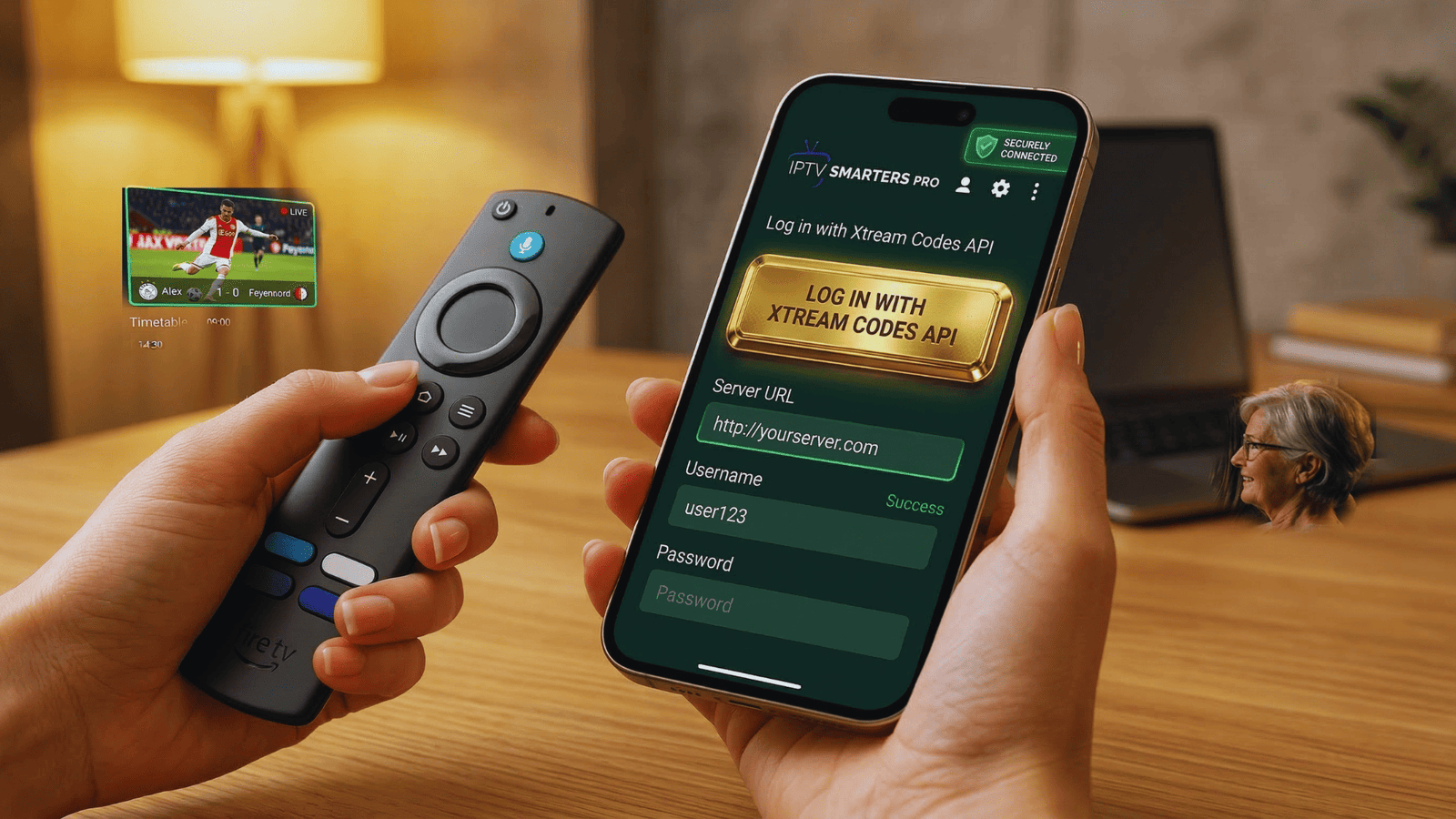
- Login with Xtream Codes API: Simplest method – just enter your username, password, and server URL
- Load Your Playlist or File/URL: For M3U URLs provided by your IPTV service
- Upload Playlist File: If you have a local M3U file saved on your device
Enter Your Credentials
Carefully input the details from your IPTV provider. Double-check for typos, especially in the server URL. Click "Add User" when done.
Wait for Loading
The app will connect to your provider's server and load all available channels, movies, and series. This typically takes 30-60 seconds depending on your internet speed and the size of your playlist.
Start Watching!
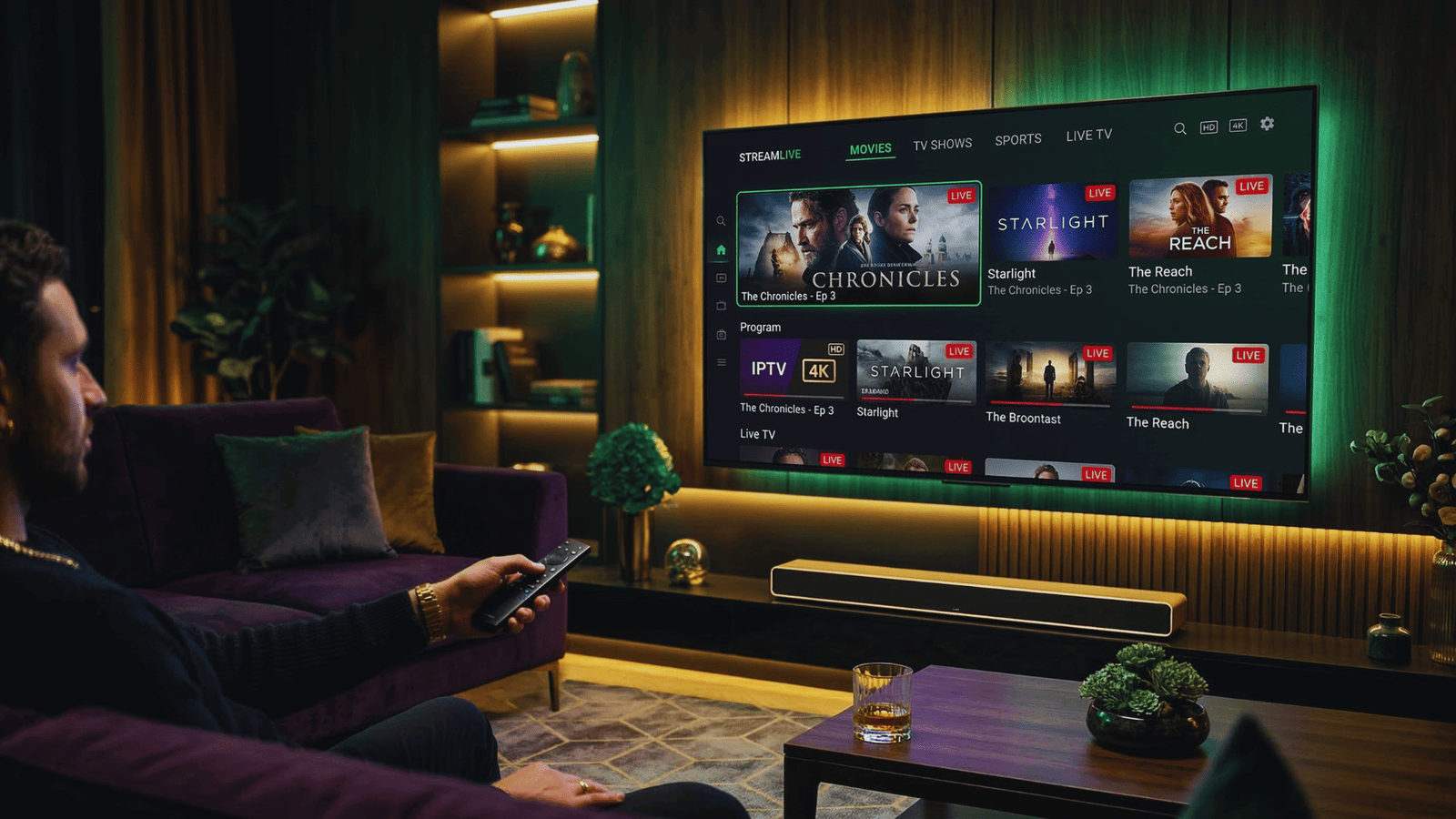
Once loaded, you'll see the main interface with Live TV, Movies, Series, and other categories. Select any channel or content to start streaming.
Pro Tips & Best Features You Should Use
Once you're up and running, these features will take your IPTV experience to the next level:
- Create Favorites: Long-press or click the star icon on any channel to add it to your favorites. Access all your favorite channels instantly from the "Favorites" tab.
- Enable Parental Controls: Go to Settings > Parental Control to set a PIN. You can then restrict access to adult content or specific categories.
- Multi-Screen Mode: On supported devices, look for the multi-screen icon to watch up to 4 channels at once. Perfect for sports fans!
- Adjust Buffer Size: If you experience buffering, go to Settings > Player Settings and increase the buffer size. This can help with unstable internet connections.
- EPG Time Shift: If your TV guide shows incorrect times, go to Settings > EPG Settings and adjust the time offset to match your timezone.
Troubleshooting Common Issues
"Invalid Credentials" Error
This usually means your username, password, or server URL is incorrect.
- ✓Double-check for typos – credentials are case-sensitive
- ✓Ensure the server URL doesn't include "http://" or "https://" unless specified by your provider
- ✓Contact your IPTV provider to verify your account is active
Channels Not Loading / Buffering
If channels load slowly or buffer constantly:
- ✓Check your internet speed – you need at least 15 Mbps for HD streaming
- ✓Try switching from WiFi to a wired Ethernet connection
- ✓Increase buffer size in Settings > Player Settings
- ✓Restart the app and your device
App Crashes on Launch
- ✓Clear the app cache in your device settings
- ✓Uninstall and reinstall the latest version
- ✓Ensure your device meets minimum requirements (Android 5.0+, iOS 16.0+, Windows 10+)
No EPG / TV Guide Showing
- ✓Wait a few minutes – EPG data takes time to load
- ✓Go to Settings > EPG Settings and manually refresh EPG
- ✓Check with your provider if EPG is included in your subscription
Frequently Asked Questions
Is IPTV Smarters Pro free?
The basic version of IPTV Smarters Pro is free on most platforms. The iOS version has a free 7-day trial, followed by a small one-time payment (around €3.99) for lifetime access.
Can I use multiple IPTV subscriptions in one app?
Yes! IPTV Smarters Pro supports multiple playlists. You can add several subscriptions and switch between them easily from the settings menu.
Does IPTV Smarters Pro work with a VPN?
Absolutely. IPTV Smarters Pro works perfectly with VPN services. Using a VPN can help with buffering issues and provide an extra layer of privacy.
How do I update IPTV Smarters Pro?
Updates depend on your platform. For Firestick and Android, you'll need to download the latest APK from the official website. For iOS, updates come through the App Store. For Windows, the app typically auto-updates or prompts you when a new version is available.
Can I record live TV with IPTV Smarters Pro?
Yes, the app includes a recording feature. Look for the record button while watching live TV. Recordings are saved locally on your device (check your device storage for the recordings folder).
Ready to Start Watching?
Now that you know how to use IPTV Smarters Pro, you need a quality IPTV service to go with it. Check out our top-rated providers with thousands of channels in crystal clear quality.
Sources and official links: